AI-powered room shopping

Turn any room photo
into a shopping list.

Upload a photo of a room you love. RoomRecipe finds every piece in it as a real product you can buy, with prices and store links, then shows it in your own space.

First 2 analyses free · No download required
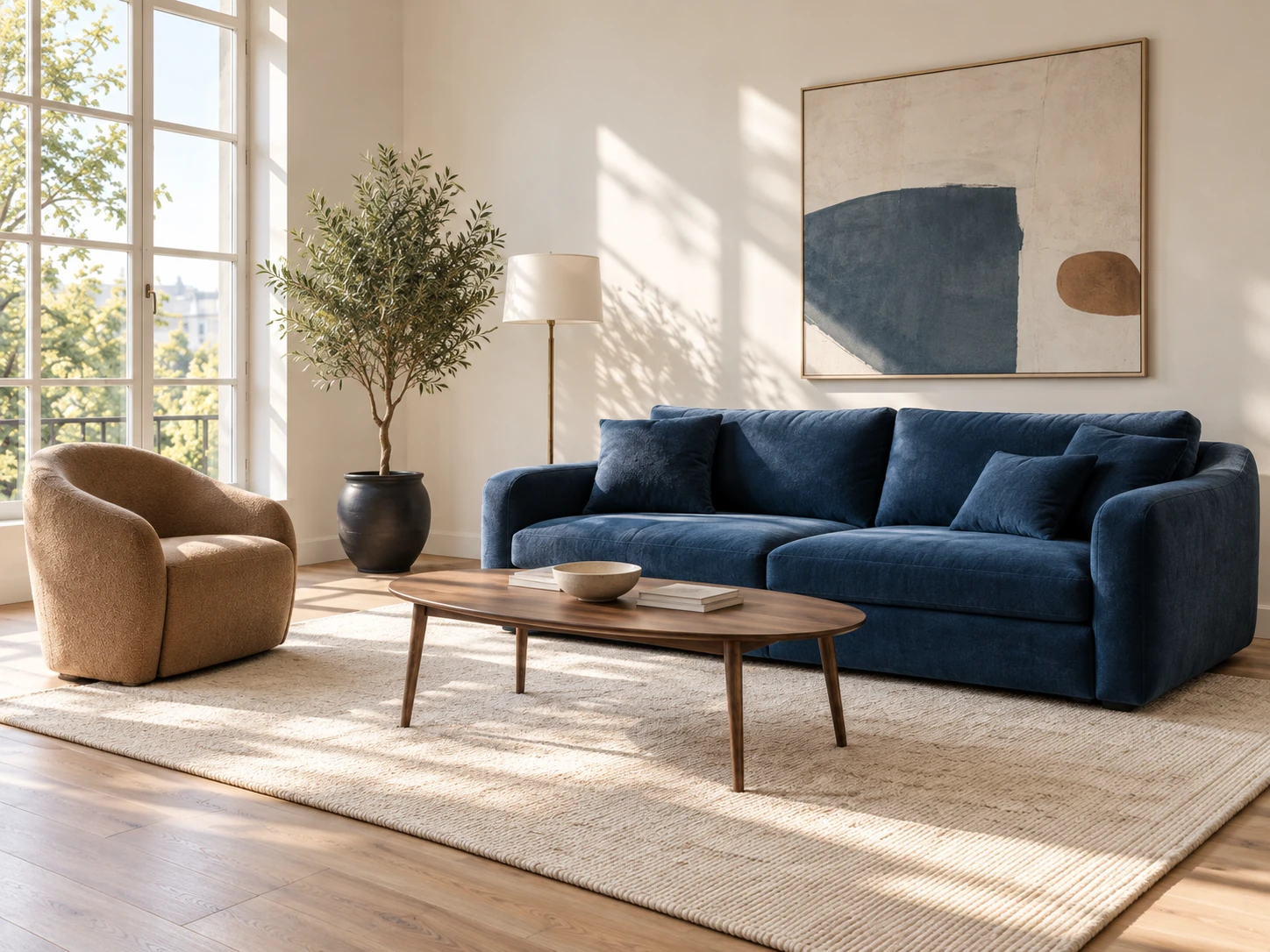
A sunlit living room with a navy sofa, taupe chair and walnut coffee table 3 products found in this photo
Illustrative matches · USD

How it works

From one photo to products you can buy.

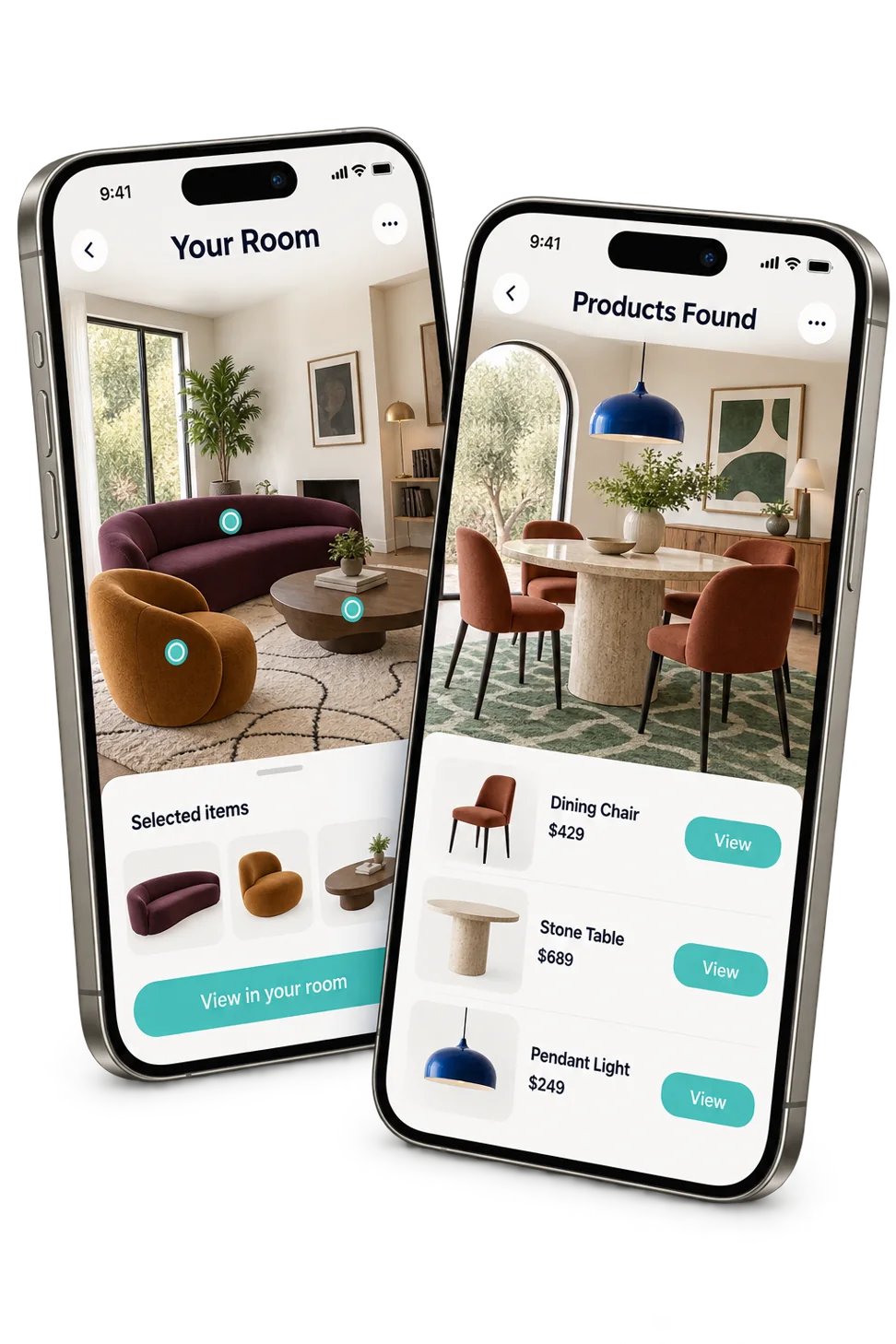
Upload or create a room, get the real products in it, then see them in your own space.

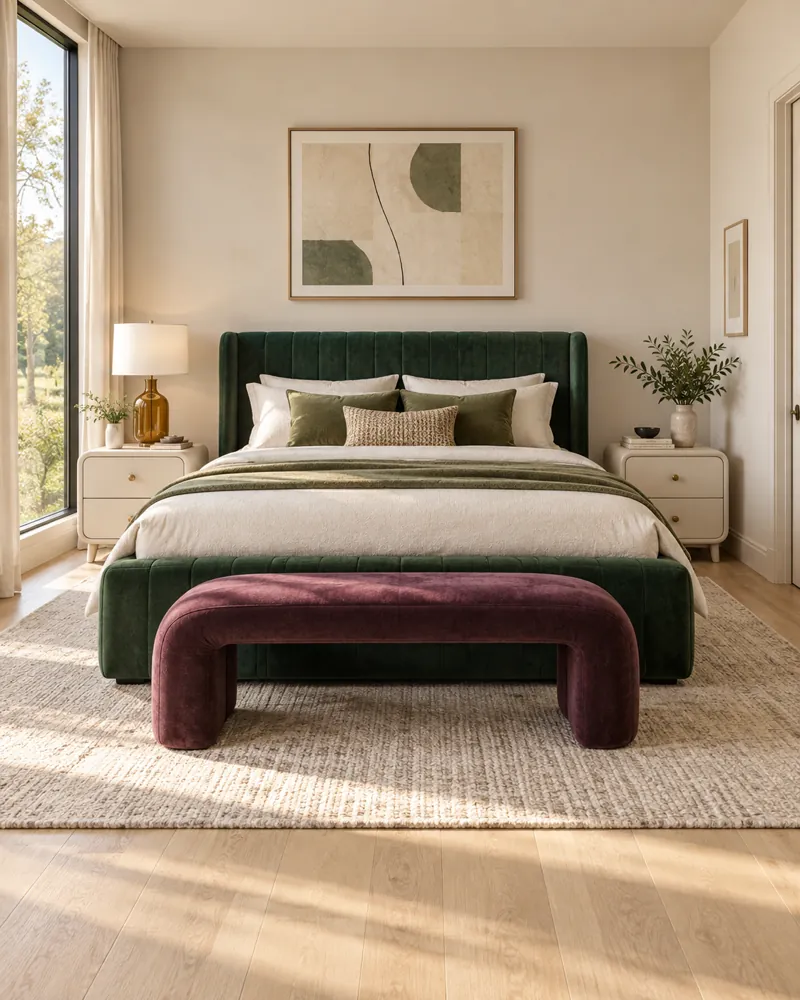
Bedroom with a green velvet bed, a plum bench and abstract art

01 Upload or create a room

Upload a photo you love, or let our AI create a room in your style. We analyze every piece in it.
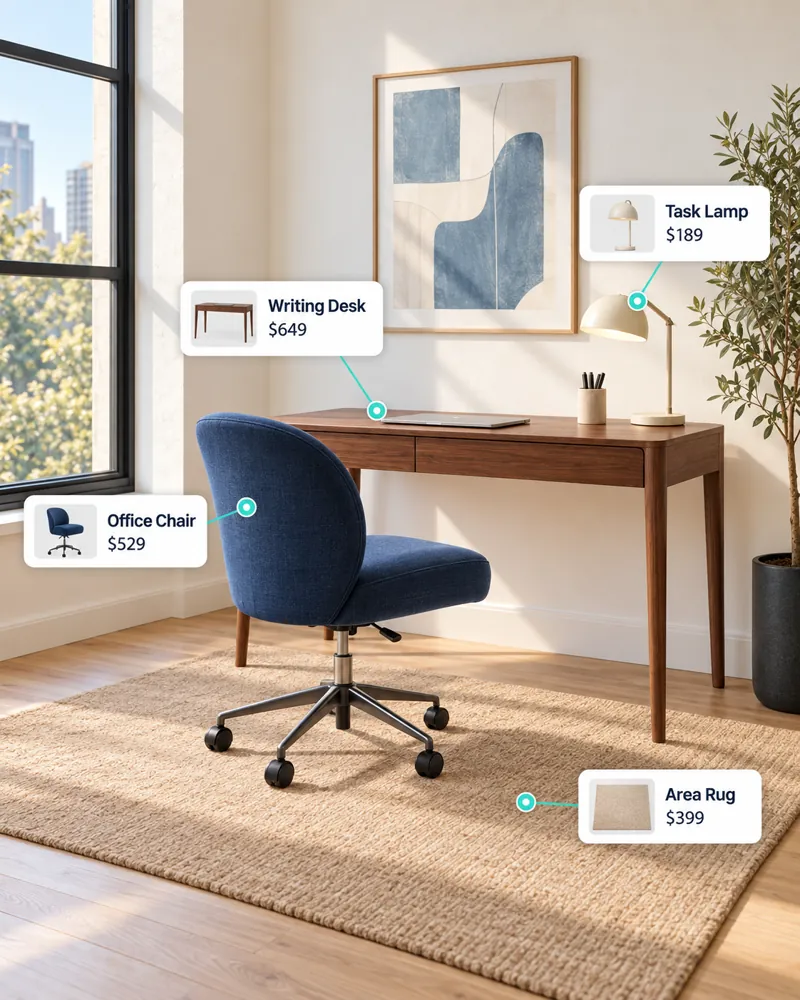
Home office with product tags on the desk, office chair, task lamp and area rug

02 Get matching products

Each piece is matched to real products you can buy, with prices and store links.
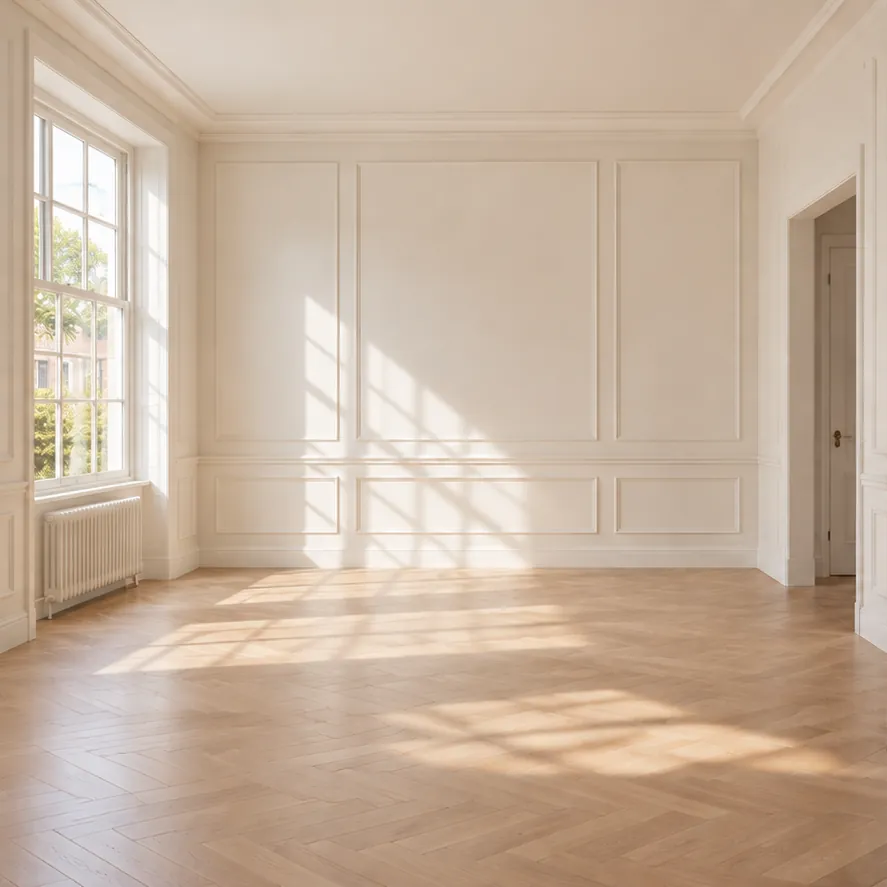
Empty room before styling
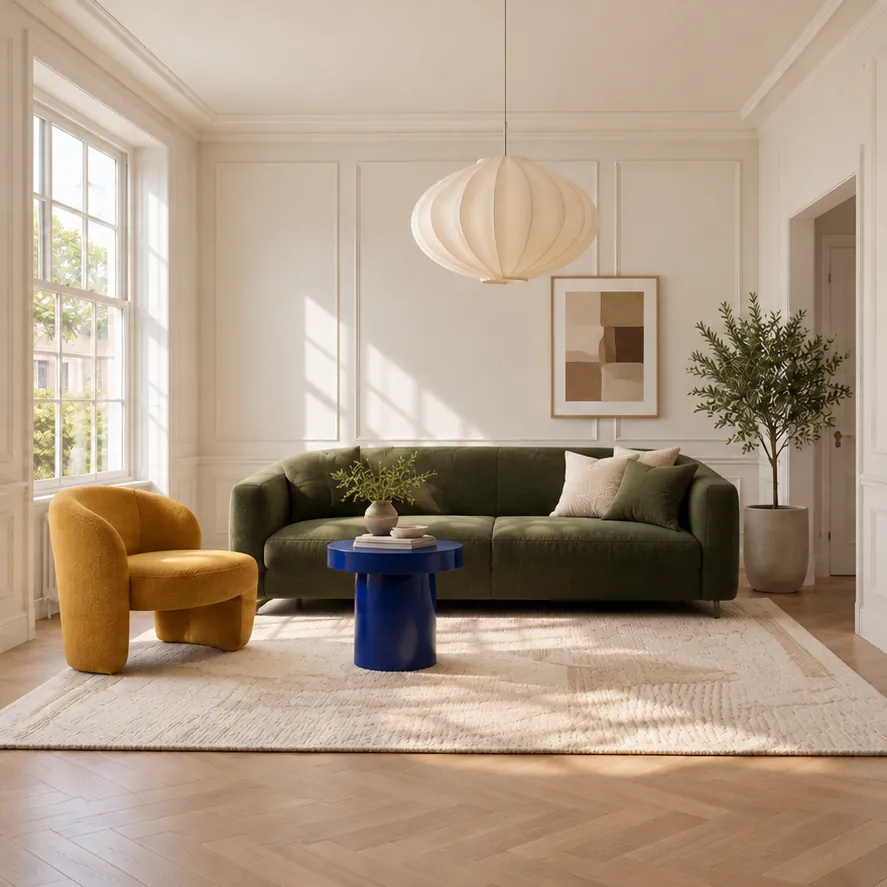
The same room with an olive sofa, a mustard chair, a blue side table and a paper pendant
BeforeAfter

03 See it in your room

Place the products you pick into a photo of your own room before you buy.

From inspiration to real products

One photo. A complete product list.

RoomRecipe identifies the pieces in a room and brings the
matching products together in one clear shopping experience.
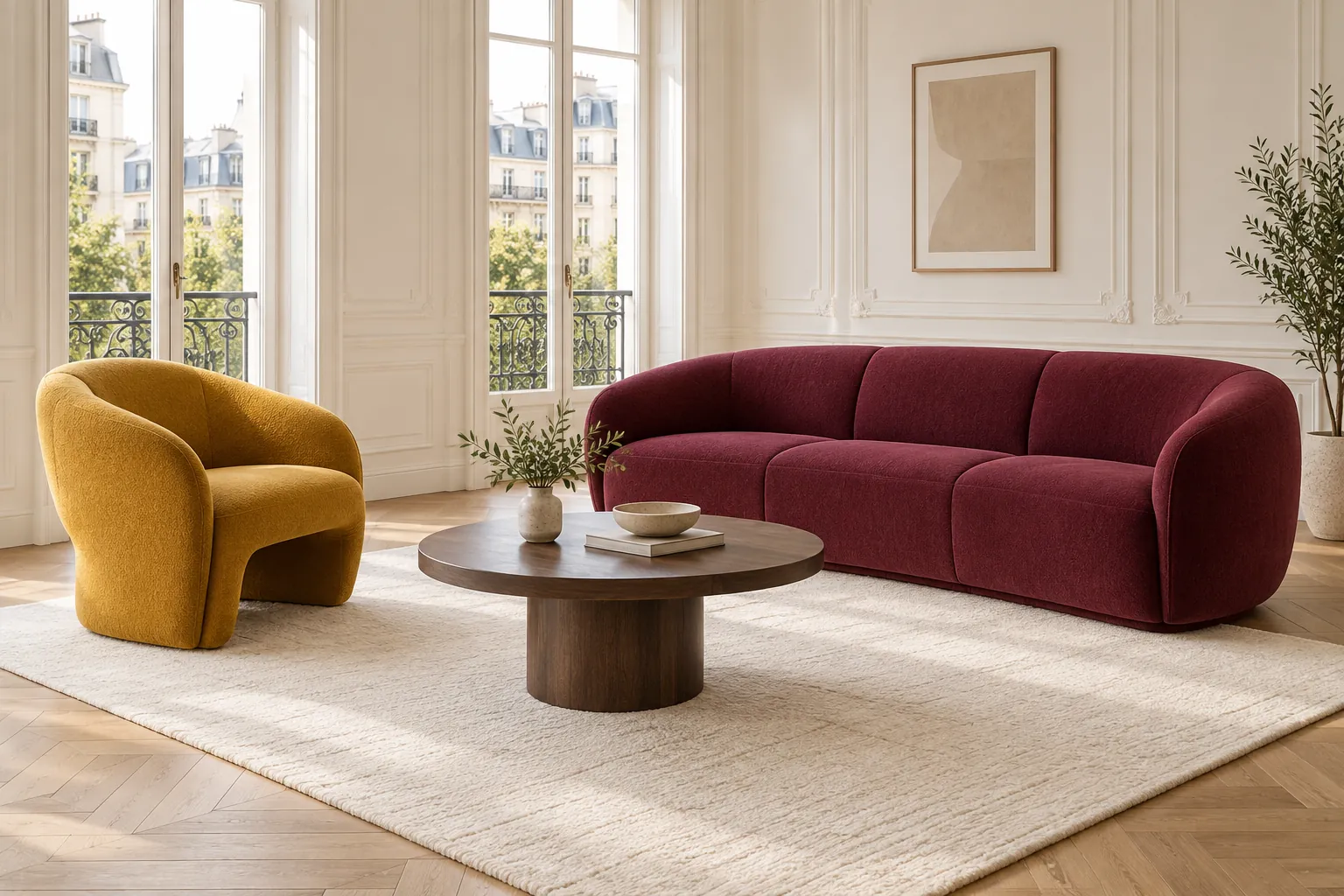
Paris apartment living room with a raspberry curved sofa, a mustard lounge chair and a round walnut coffee table
Room intelligence Select a piece to make it yours

Products found

5 pieces · USD

Use + to add a piece to your list.

0 pieces selectedIllustrative total · USD$0
Try it with your own photo

An interactive example. Products and prices are illustrative.
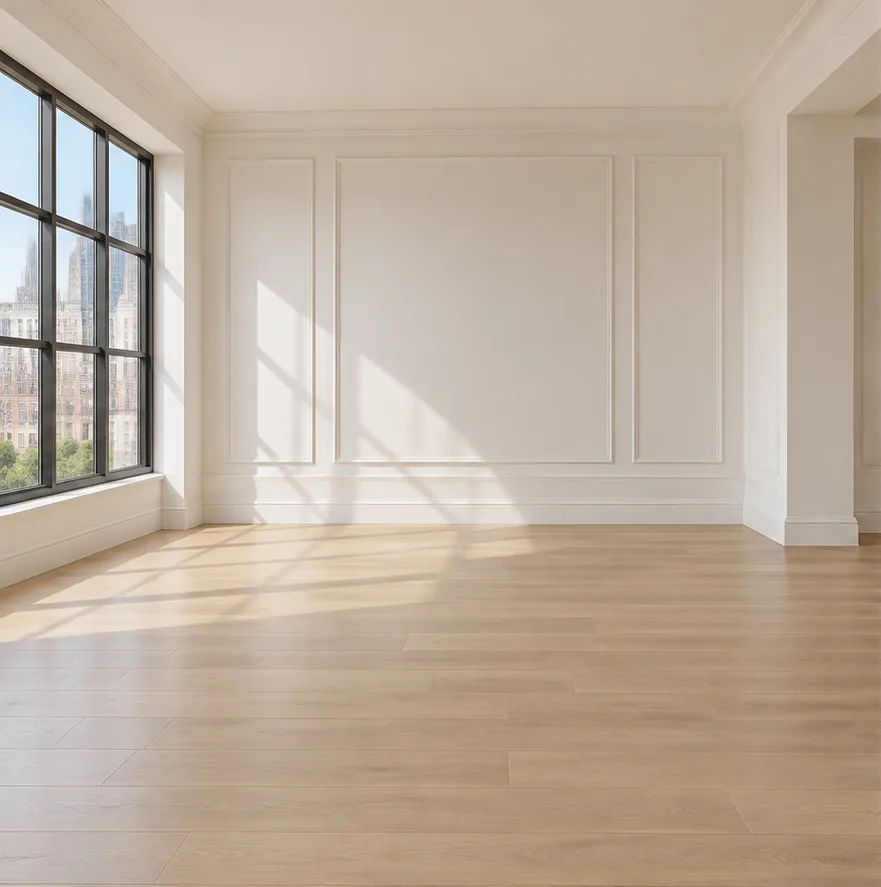
Empty living room with tall windows and wall panelling
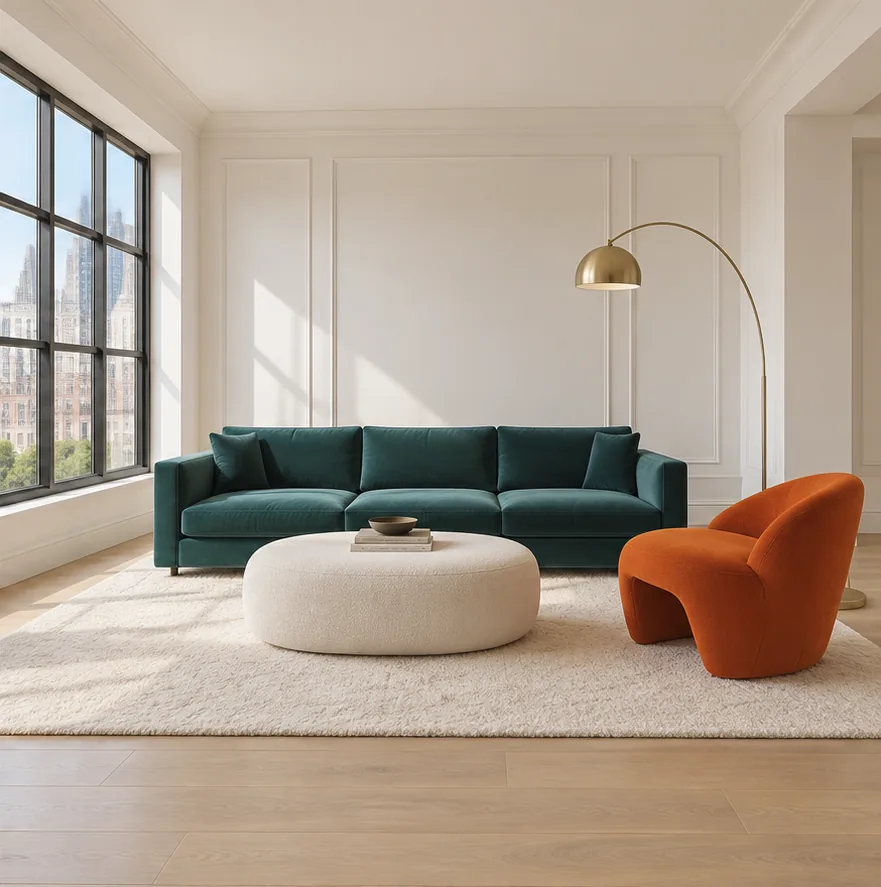
The same living room with a teal velvet sofa, a bouclé ottoman, an orange lounge chair and a brass arc lamp
BeforeAfter

Tap a product to see it in the room

See it in your space

See the real products in your own room.

Pick products you like, upload a photo of your room, and RoomRecipe places them in it, so you can see how everything works together before you buy.

  1. 01

    Pick your products

    Choose pieces from any room you analyzed.

  2. 02

    Upload your room

    A clear photo of the space you want to update.

  3. 03

    See it before you buy

    AI places your picks in your photo. Swap pieces until it feels right.

Try it in your room

Why RoomRecipe

Not just something similar. The whole room.

Google Lens

  • Limitation: One object at a time
  • Limitation: No prices or alternatives
  • Limitation: Can't read a full room
  • Limitation: No shopping list

Pinterest

  • Limitation: Shows similar-looking images
  • Limitation: Finding the product is on you
  • Limitation: No prices
  • Limitation: No shopping list

RoomRecipe

  • Included: Reads the whole room in one photo
  • Included: Real products with prices + store links
  • Included: See them in your own room
  • Included: One list, one total

One connected experience

Save the room. Find the pieces. Make it yours.

Move from inspiration to real products and your own space.

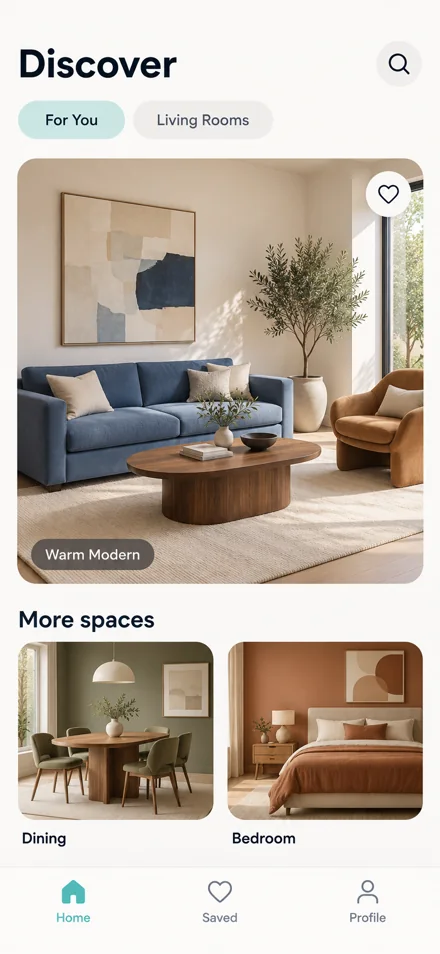
RoomRecipe app Discover screen with a warm modern living room and more spaces to explore

Discover

Start with a room or style you love.

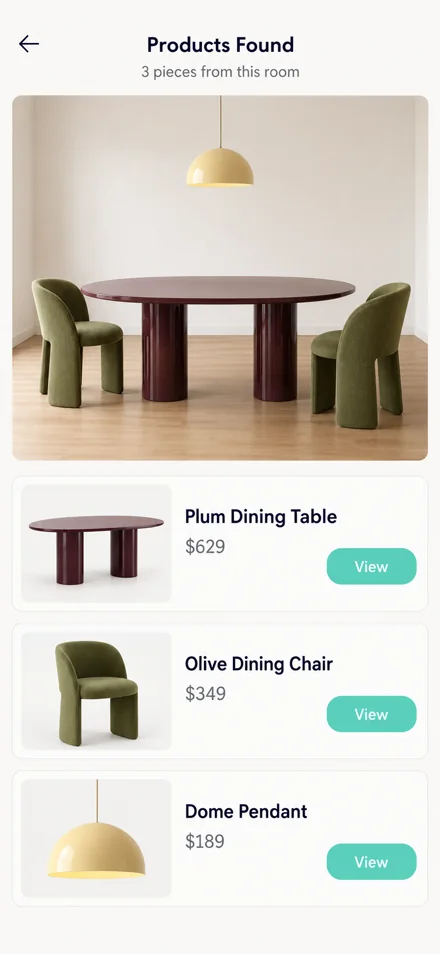
RoomRecipe app product list for a dining room: dining table, dining chair and dome pendant

Find

Explore real products from the room.

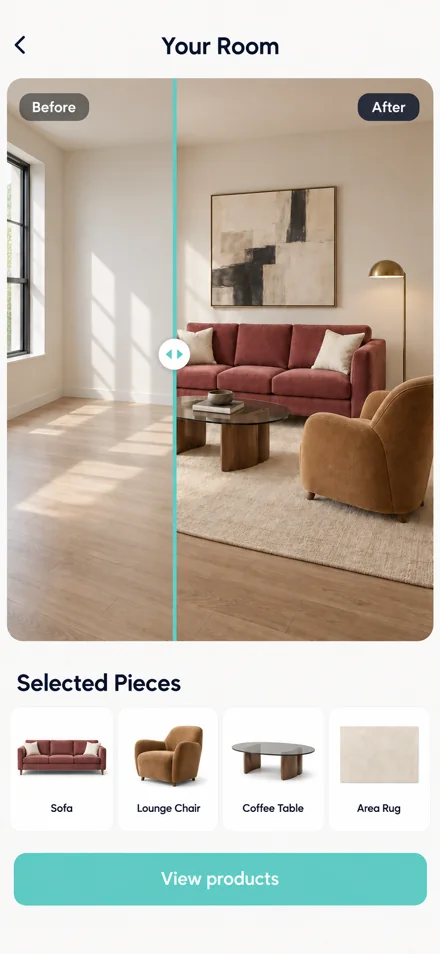
RoomRecipe app Your Room screen with a before and after preview and the selected pieces

Visualize

Bring your selections into your own room.

Download from

Start free. Pay only when you're ready.

First 2 analyses are free. After that, plans start at $2.99/month.

Need to know

Frequently asked
questions.

Everything you need to know before
finding products and trying them in
your space.

Still have a question?Contact us →
How does RoomRecipe find products?
RoomRecipe analyzes the furniture and décor visible in a room image and looks for matching products from online retailers. Results help you explore the style, materials and pieces that make up the room.
Can I use any inspiration photo?
You can use a room photo, a screenshot, or inspiration you've saved. JPEG, PNG and WebP are supported. Clear, well-lit photos with visible furniture give the best results.
Can I see products in my own room?
Yes. Select the products you want to try and add a photo of your own room to create a visual preview. Use it to explore the look; check product measurements before ordering.
Are the products connected to real stores?
Product results in RoomRecipe include links to online retailers so you can review current pricing, availability and details directly with the store.
Can I save the rooms and products I like?
Keep your inspiration and product choices together in RoomRecipe. In this interactive example, the heart buttons save your favorite pieces in this browser.
Is RoomRecipe available on iOS and Android?
Yes. RoomRecipe is available on the App Store and Google Play. You can also get started in your web browser.
What counts as one analysis?
One room photo = one analysis. RoomRecipe identifies the pieces in it and returns a product list with prices and store links.
What happens after my free analyses?
After your 2 free analyses you can move to a monthly plan from $2.99/month. Extra visualization credits start at $0.79. No credit card is needed to start.
How long does an analysis take?
Most analyses are ready in under 2 minutes. Busy times or very detailed rooms can take a little longer.
What happens to my photos?
Your photos are stored securely in your RoomRecipe account so you can come back to your rooms and results. They are never shared with or sold to third parties.

Ready when you are

A room you love is
closer than you think.

Start with a photo, find the pieces and see the complete look in your own space.

Try it on the web

or get the app

Available on iOS and Android.